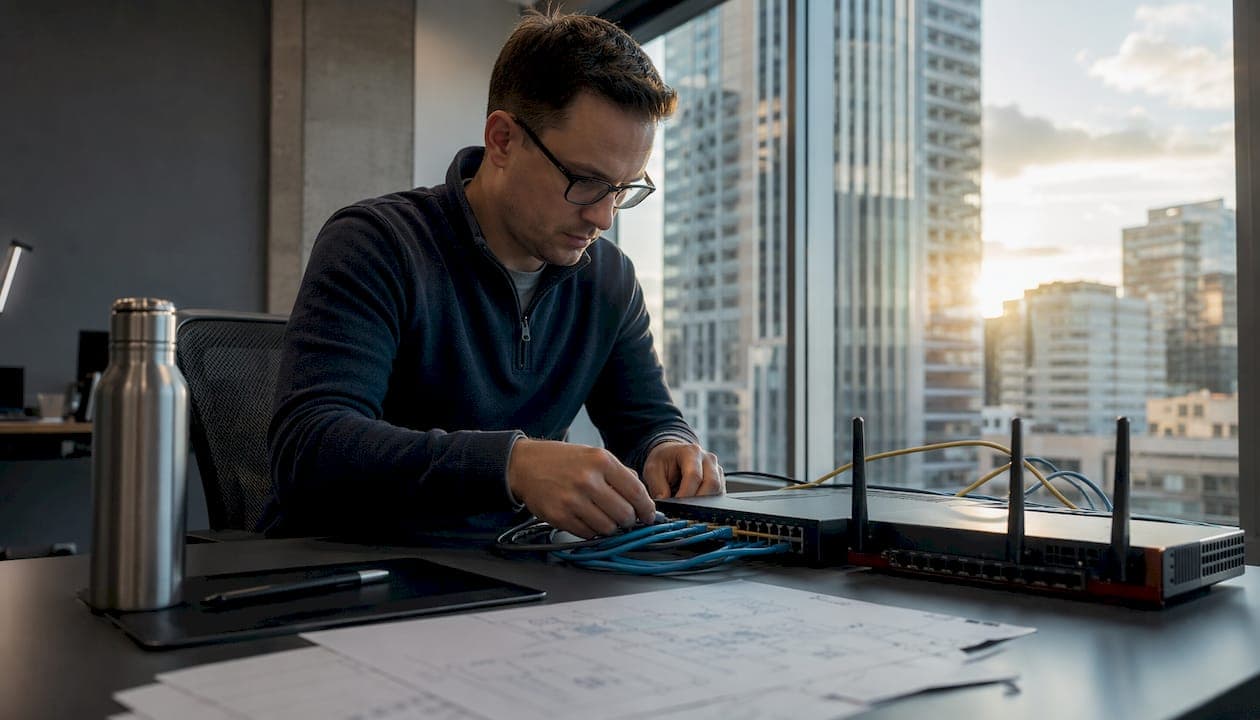
A computer network is a group of communicating computers and peripherals, called hosts, that exchange data with other hosts using communication protocols. Every device on a network carries a network address so that hardware can locate and identify it. Hosts may also use hostnames, which a name server like DNS maps to those addresses. The physical media carrying all that information includes copper cables, optical fibres, and wireless radio-frequency signals.
Networks do three things well:
- Data sharing: files, messages, and media move between devices without physical transfer media.
- Resource sharing: printers, storage servers, and applications become accessible to every connected host.
- Communication: email, instant messaging, video calls, and web access all depend on network connectivity.
Understanding how networks work is the foundation for everything from troubleshooting a slow Wi-Fi connection to designing a secure enterprise infrastructure.
How did computer networks evolve over time?
The story of networking is shorter than most people expect, and the pace of change has been relentless.
-
1940 — The first connection. George Stibitz connected a terminal at Dartmouth College to his Complex Number Calculator at Bell Labs in New York, creating what is widely recognised as the first computer network.
-
1969 — ARPANET goes live. Developed by DARPA of the U.S. Department of Defense, ARPANET was the direct precursor to the modern Internet. It proved that packet-switched networks could survive partial failures, a design principle that still underpins the Internet today.
-
1970s — Local area networking emerges. Researchers began connecting computers within single buildings, laying the groundwork for what would become Ethernet and the LAN.
-
1983 — TCP/IP becomes the standard. ARPANET formally adopted the Internet Protocol suite, giving every connected device a common language for addressing and routing data.
-
1980s–1990s — Ethernet and IEEE 802.3. The Institute of Electrical and Electronics Engineers published the IEEE 802.3 standard, defining how devices communicate over wired LANs using copper and fibre media. This standard remains the backbone of wired office networking.
-
1991 — The World Wide Web. Tim Berners-Lee's invention turned the Internet from a research tool into a global public resource, driving explosive growth in both network infrastructure and the number of connected hosts.
-
2000s — Wireless goes mainstream. IEEE 802.11 (Wi-Fi) standards made wireless LANs practical for homes and offices, while mobile carriers built wide-area wireless networks that eventually became 4G and 5G.
-
2010s–present — Cloud and hybrid architectures. Organisations shifted workloads to cloud platforms, creating hybrid networks that span on-premises data centres, public cloud regions, and remote endpoints. This shift fundamentally changed how network security must be designed.
What hardware actually builds a network?
Every network, from a home router to a national carrier backbone, is assembled from the same core building blocks. Understanding what each device does makes it far easier to diagnose problems and plan upgrades.
- Network interface controller (NIC): the physical or wireless adapter inside every host that connects it to the network medium.
- Cables and transmission media: copper twisted-pair (Cat5e, Cat6), optical fibre, and wireless radio frequencies all carry data between devices.
- Repeaters and hubs: repeaters regenerate a signal to extend its range; hubs broadcast incoming data to every connected port (largely obsolete in modern networks).
- Switches: forward data only to the specific port where the destination device lives, making them far more efficient than hubs for local traffic.
- Bridges: connect two network segments and filter traffic between them based on hardware addresses.
- Routers: forward packets between different networks by reading IP addresses and consulting a routing table. A router does not broadcast packets to every device, which is why large networks rely on them.
- Modems: modulate and demodulate signals so that digital data can travel over analogue media like telephone lines or cable TV infrastructure.
- Firewalls: enforce access policies at the network boundary, deciding which traffic is permitted and which is blocked.
Network hardware components each handle distinct functions: packet forwarding, signal regeneration, traffic filtering, and security policy enforcement. In practice, a single physical device often combines several of these roles. A home gateway, for example, typically acts as a modem, router, switch, and basic firewall simultaneously.
| Device | Primary function | Operates at OSI layer |
|---|---|---|
| NIC | Connects host to network medium | Layer 1–2 |
| Switch | Forwards frames within a LAN | Layer 2 |
| Router | Routes packets between networks | Layer 3 |
| Firewall | Enforces traffic policies | Layer 3–7 |
| Modem | Converts digital/analogue signals | Layer 1 |
| Bridge | Connects and filters network segments | Layer 2 |
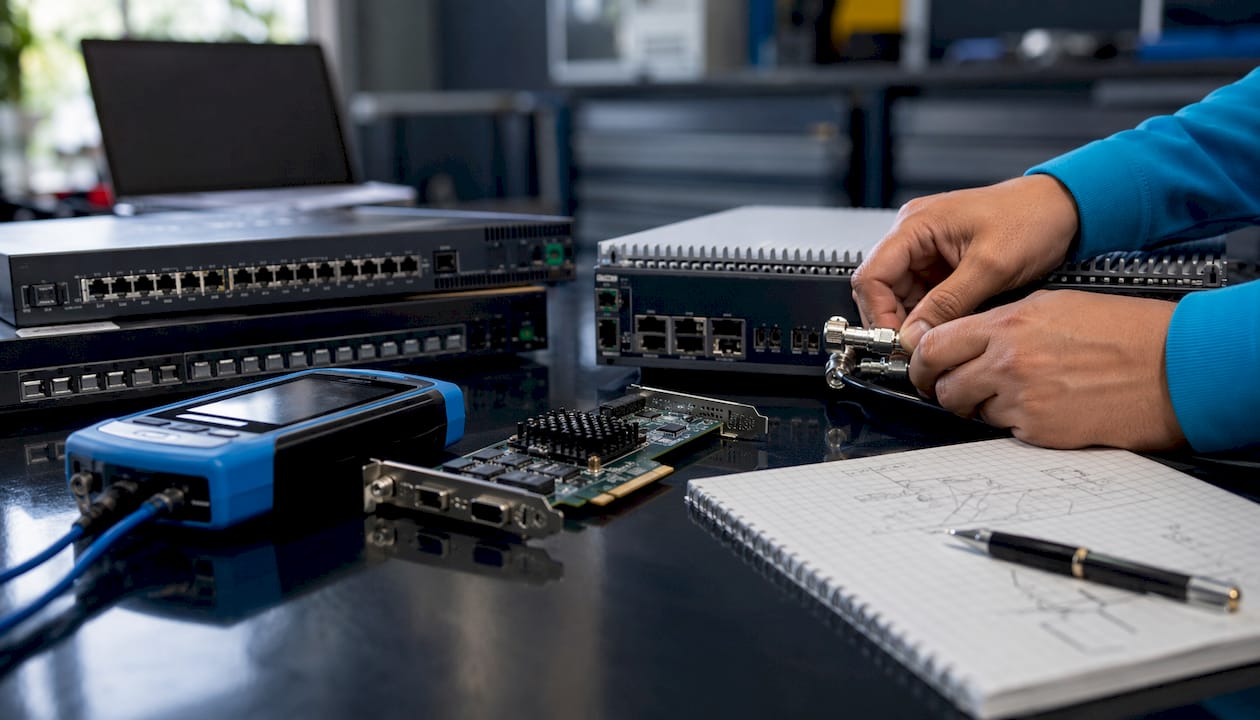
Pro Tip: When planning a network, map your hardware to OSI layers before purchasing. A Layer 2 switch cannot route between subnets; buying one when you need inter-VLAN routing means adding a router or upgrading to a Layer 3 switch later.
What are the main types of networks?
Networks are classified primarily by geographic scope and the technology they use. The five types you will encounter most often are LAN, WAN, MAN, WLAN, and WWAN, and each suits a different set of use cases.
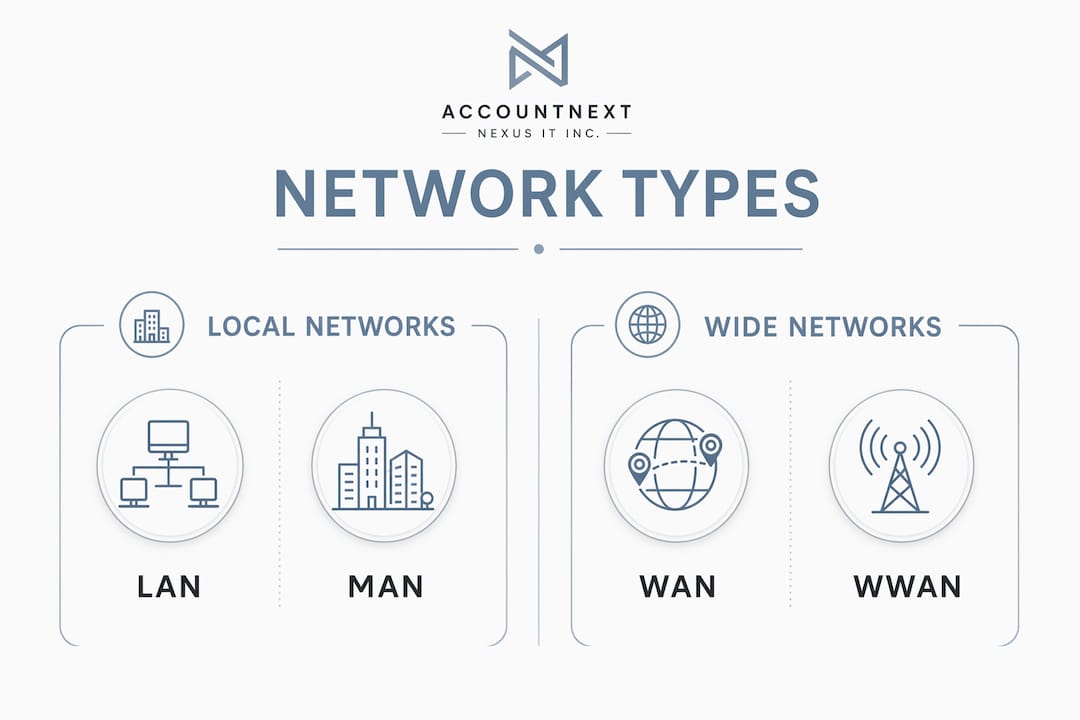
Network types range from a single office floor to intercontinental infrastructure, with cost, speed, and management complexity scaling accordingly.
| Network type | Geographic scope | Typical technology | Key characteristic |
|---|---|---|---|
| LAN (Local Area Network) | Single building or campus | Ethernet (IEEE 802.3) | High speed, low cost, privately owned |
| WLAN (Wireless LAN) | Same as LAN, no cables | IEEE 802.11 (Wi-Fi) | Mobility within coverage area |
| MAN (Metropolitan Area Network) | City or large campus | Fibre, leased lines | Connects multiple LANs across a city |
| WAN (Wide Area Network) | Country or continent | Telephone lines, cables, satellite | Spans large distances, often uses carrier infrastructure |
| WWAN (Wireless WAN) | Regional to global | 4G LTE, 5G cellular | Mobile connectivity over carrier networks |
LANs are the most common type for homes, schools, and offices. Wired LANs rely on Ethernet and the IEEE 802.3 standard; wireless LANs use radio waves under IEEE 802.11. Speed and reliability are high because the infrastructure is privately controlled.
WANs cover cities, countries, or continents. They use a mix of telephone lines, cables, and airwaves, often leased from carriers. The Internet itself is the largest example of an internetwork, connecting millions of individual networks through the TCP/IP protocol suite.
MANs sit between LANs and WANs, typically linking multiple office buildings across a city using fibre or leased lines. Universities and municipal governments are common operators.
WWANs depend on cellular infrastructure. A laptop connecting over 5G is using a WWAN. Coverage is broad but shared with other subscribers, so throughput varies with congestion.
How do network architectures and protocols govern communication?
Structure and rules are what separate a network from a pile of connected cables. Two models define how that structure works, and several topology patterns determine how devices are physically and logically arranged.
The OSI and TCP/IP models
The OSI model provides a seven-layer theoretical framework, from the physical layer at the bottom to the application layer at the top. Each layer handles a specific aspect of communication and passes data to the layer above or below it. Practitioners more often work with the four-layer TCP/IP model, which maps to real-world protocols: network access, internet, transport, and application. TCP/IP defines IP addressing in both IPv4 and IPv6, and supports both connectionless and connection-oriented services.
A systems-oriented view of these models, one that traces a packet from application to wire and back, tends to produce better troubleshooters than memorising layer names in isolation.
Common network topologies
Topology describes how devices connect to each other, and it directly affects throughput, fault tolerance, and cost.
- Star: all devices connect to a central switch or hub. A single device failure does not affect others, but the central switch is a single point of failure for the whole network.
- Bus: all devices share a single communication line. Simple to install but a break anywhere on the bus takes down the entire segment.
- Ring: each device connects to exactly two neighbours, forming a loop. Data travels in one direction; a single break can disrupt the whole ring unless a dual-ring design is used.
- Mesh: devices connect to multiple peers. More interconnections mean greater resilience, but installation cost rises sharply. Full mesh is common in carrier backbone networks; partial mesh is more practical for most organisations.
Network topologies affect throughput and fault tolerance directly. Complex topologies increase robustness but add installation cost, so most real-world designs balance the two rather than maximising either.
Network services
Networks host services that users interact with constantly without thinking about the underlying infrastructure:
- DNS (Domain Name System): translates human-readable hostnames into IP addresses.
- DHCP (Dynamic Host Configuration Protocol): automatically assigns IP addresses to devices joining a network.
- Email servers: route and store messages between users using protocols like SMTP, IMAP, and POP3.
- Web servers: respond to HTTP and HTTPS requests, delivering pages and application data.
A top-down learning approach, starting with applications like DNS and email and then working down to the protocols that support them, makes these layers far easier to understand than starting with raw packet headers.
The digital transformation strategies that enterprises pursue today depend entirely on well-designed network architectures. Without a clear topology and protocol strategy, cloud migrations and hybrid work models introduce gaps that attackers exploit.
Expert perspective: security is a network design principle, not an afterthought
Modern networks face threats that change faster than most organisations can update their defences. Authentication, firewalls, and encryption are the baseline. What separates resilient networks from vulnerable ones is continuous monitoring, integrated threat detection, and the discipline to treat security as a design requirement from day one, not a layer bolted on after the fact. At AccountNext-Nexus, we see the same pattern repeatedly: organisations that fragment their security tools across vendors spend more time managing integrations than catching threats.
Network security involves authentication, firewalls, encryption, and ongoing monitoring to protect against unauthorised access and attacks. The authentication spectrum runs from single-factor (username and password) through two-factor (adding a hardware token or mobile device) to three-factor (adding a biometric like a fingerprint or retinal scan). Each additional factor raises the cost of a successful breach.
Firewalls enforce access policies at the network boundary, but they cannot catch everything. Malware carried inside legitimate traffic, such as a worm embedded in a document, requires anti-virus software or an intrusion prevention system working alongside the firewall. Anomaly-based intrusion detection systems monitor traffic patterns and flag deviations, while honeypots, decoy resources placed at seemingly vulnerable points, attract attackers and reveal their techniques without exposing real data.
Network security designs frequently deploy multiple authentication factors and honeypots to both deter and study malicious activity. A honeynet extends this concept by creating an entire network of intentionally vulnerable systems, giving security teams a controlled environment to observe attack methods in detail.
Encryption protects data in transit between hosts. Without it, a passive attacker can intercept traffic and read it without generating any alerts. Wardriving attacks, for example, can capture the handshake between a wireless access point and a client and crack the password offline, with the network owner never knowing it happened.
Real-time threat detection and integrated cybersecurity services are increasingly the standard for resilient networks, particularly as organisations move workloads to cloud and hybrid environments. Employee behaviour remains one of the most exploited attack vectors, and cloud misconfigurations introduce network vulnerabilities that traditional perimeter tools miss entirely.
Pro Tip: Build security into your network topology from the start. Segment sensitive systems into separate VLANs, apply firewall rules between segments, and deploy intrusion detection at each boundary. Retrofitting segmentation into a flat network is far more disruptive than designing it in from day one.
Scale-free network structures combine hubs with many smaller nodes, which offers resilience but also creates concentrated vulnerabilities. In practice, this means the most connected nodes in any network, whether a core router or a widely used server, deserve the most rigorous security controls.
Key takeaways
Computer networks are interconnected systems of hosts that exchange data through protocols, hardware, and topologies, each layer adding function and, without proper design, adding risk.
| Point | Details |
|---|---|
| Networks have a clear definition | A network is a group of hosts exchanging data via communication protocols over physical or wireless media. |
| Hardware roles are distinct | Switches forward frames within a LAN; routers move packets between networks; firewalls enforce access policies. |
| Network type determines scope | LANs cover single buildings, WANs span countries, and WWANs use cellular infrastructure for mobile connectivity. |
| Topology affects resilience | Mesh topologies increase fault tolerance but raise installation cost; star topologies are common because they balance both. |
| Security belongs in the design | Authentication, encryption, and segmentation must be built into network architecture, not added after deployment. |
AccountNext-Nexus: integrated network security for Canadian organisations

Understanding how networks work is the first step. Keeping them secure as they grow, shift to the cloud, and face evolving threats is where most organisations need support. AccountNext-Nexus consolidates cybersecurity, IT management, and compliance under one roof, so Canadian businesses get 24/7 monitoring, real-time threat detection, and clear pricing without juggling a dozen separate vendors.
Cyber threats evolve constantly, and the gap between a well-monitored network and an unmonitored one closes fast when an attacker is looking for a way in. AccountNext-Nexus's IT and cybersecurity services are built around the network design principles covered in this guide: layered authentication, perimeter and internal firewalls, encrypted communications, and continuous anomaly detection.