The 3-2-1 backup rule means keeping three copies of your data, on two different types of media, with one copy stored off-site. It remains the recommended baseline for individuals and small to medium businesses because it protects against hardware failure, theft, fire, and accidental deletion in one straightforward framework. For ransomware resilience, pair it with an immutable or offline copy and test your restores regularly.
TL;DR:
- Snapshots on the same NAS do not count as separate copies; a usable backup must sit on independent media because ransomware can reach connected snapshots too.
- Set backup frequency from your recovery point objective: businesses that can lose only four hours of transactions need backups every few hours, not nightly.
- Keep at least one immutable or offline copy for 30 days, with locks enforced by the storage system that a compromised administrator account cannot reverse.
- Schedule automated restore tests quarterly and verify full databases or systems, because confirming that one file opens does not prove recovery will work.
Table of Contents
- What the 3-2-1 backup rule means in practice
- How the 3-2-1 rule works technically and operationally
- Modern extensions: 3-2-1-1, immutability, and the +0 verification idea
- Step-by-step implementation for home users and SMBs
- Testing and restore verification: realistic drills and common pitfalls
- Nexus perspective: 3-2-1 as a baseline that needs modern hardening
- How we implement and validate 3-2-1 backups for your organization
- FAQ
- Sources
What the 3-2-1 backup rule means in practice
A "copy" is a complete, usable version of your data, not a snapshot that only records changes since the last save or a file version sitting in the same storage pool as the original. If you have one NAS with five snapshot versions of a folder, you have one copy with history, not five copies. Counting correctly matters: a ransomware attack that reaches your primary storage can often reach its snapshots too.
Qualifying media types include:
- Local disk or workstation storage: your working copy, fast but vulnerable to the same failure that hits your computer.
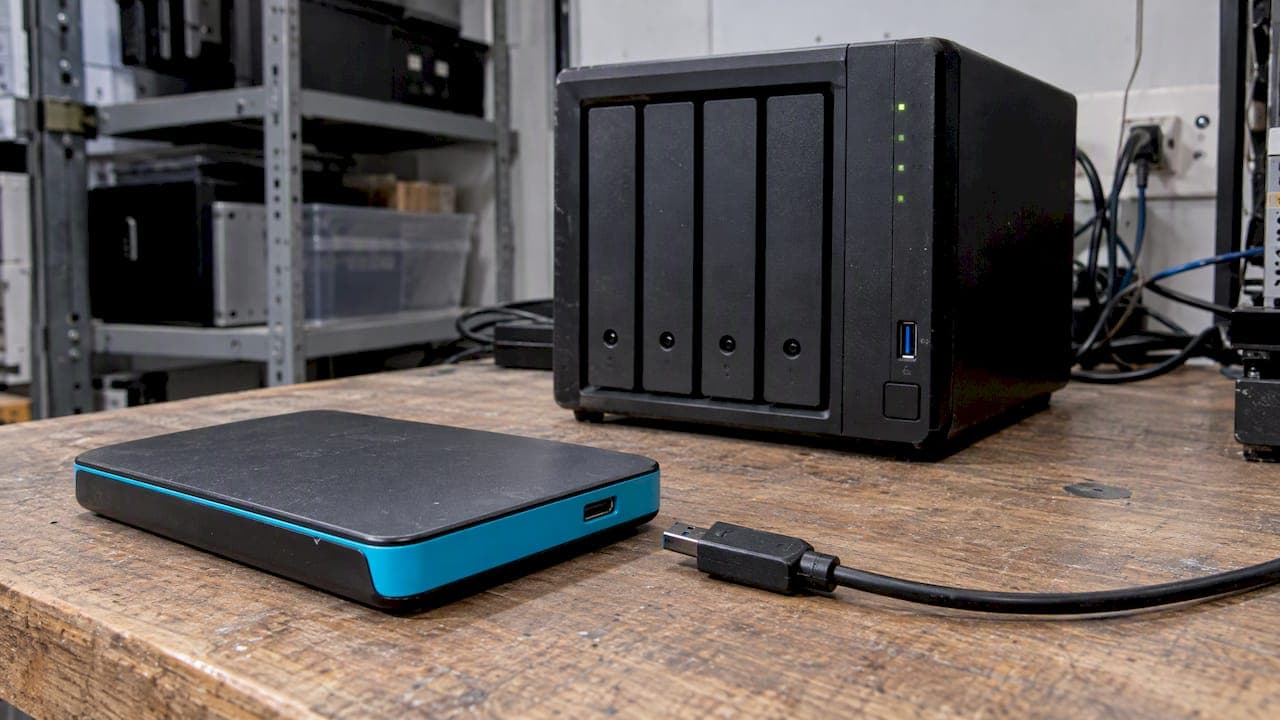
- Network-attached storage (NAS) or external drives: a second, physically separate medium in the same location.
- Tape: slower to restore but cheap per terabyte and naturally offline once removed from the drive.
- Cloud storage: counts as both a second medium and, when hosted elsewhere, the off-site copy.
A common mistake is treating SaaS retention (Microsoft 365, Google Workspace) as a backup. Vendor retention policies exist to recover from short-term mistakes, not to protect against account compromise or a prolonged outage, which is why Microsoft 365 backup solutions are typically sold as a separate, independent service.
How the 3-2-1 rule works technically and operationally
Most home users and SMBs implement 3-2-1 with a simple layered architecture: a local working copy, a NAS or external drive on the same network, and a cloud target that serves as the off-site leg. Larger organizations add a secondary data centre or a second cloud region to avoid relying on a single provider.
The backup type you choose at each layer affects cost and recovery speed:
- Full backups copy everything and are the slowest to run but the fastest and simplest to restore from.
- Incremental backups capture only what changed since the last backup, saving storage and time but requiring the full chain to restore.
- Differential backups capture changes since the last full backup, a middle ground between full and incremental.
- Snapshots freeze a point-in-time state, useful for fast rollback but not a substitute for an independent copy stored elsewhere.
NIST IR 7621r1 recommends performing encrypted full backups at least monthly for business devices, supplemented by weekly or more frequent incremental backups, with copies stored away from the office. That cadence is a floor, not a ceiling: your actual schedule should be set by your recovery point objective (RPO), the maximum data loss you can tolerate, and your recovery time objective (RTO), the maximum downtime you can absorb. A business that can lose at most four hours of transaction data needs backups running every few hours, not nightly. Tighter RPOs mean more storage consumed and higher backup-software licensing costs, so the right cadence is the most frequent one your budget and bandwidth can sustain, not the most frequent one theoretically possible.
Modern extensions: 3-2-1-1, immutability, and the +0 verification idea
The original 3-2-1 rule predates modern ransomware, which actively hunts for and encrypts or deletes connected backups. TechTarget describes two variants built to close that gap: 3-2-1-1 adds a fourth copy that is air-gapped or immutable, and 3-2-1-1-0 adds a zero, meaning zero errors confirmed through regular restore testing.
- 3-2-1-1: one of your copies is offline, air-gapped, or write-protected so an attacker with network access cannot alter or delete it.
- 3-2-1-1-0: the same structure, plus scheduled verification that every copy restores cleanly and completely.
Immutability can live at two layers, and the distinction matters. An application-level lock (a setting inside your backup software that marks files as read-only) can often be reversed by an administrator account that ransomware has already compromised. Storage-layer immutability, such as object lock or WORM (write once, read many) on cloud storage, enforces the retention period at the infrastructure level, which the US Chamber's implementation guidance identifies as the stronger control because it resists bypass even by a hijacked admin credential.
The trade-off is cost and retrieval speed: immutable cloud storage and offline tape both cost more to maintain and take longer to retrieve from than a live NAS share. For most SMBs, a reasonable minimum is one immutable or air-gapped copy held for at least 30 days, long enough to cover typical ransomware dwell time before detection.

Pro Tip: Set your immutability lock period to match or exceed your average detection time, not your backup software's default, which is often shorter than what attackers actually need to establish a foothold.
Step-by-step implementation for home users and SMBs
Start with a quick inventory before buying anything. List what you have (documents, databases, virtual machines, email, configuration files), tag each item by how painful its loss would be, and note where it currently lives. This fifteen-minute exercise prevents the most common failure: backing up everything indiscriminately while missing the one folder that actually matters.
From there, the right setup scales with the business:
- Basic or home tier: a local external drive plus one consumer cloud backup service (Backblaze, iDrive, or similar), with automatic weekly full backups and daily incremental syncs.
- Growing SMB tier: a NAS for local redundancy, a dedicated cloud backup target separate from your production cloud environment, and at least one immutable retention policy on the cloud copy.
- SMB with compliance requirements (HIPAA, PCI-DSS): encrypted backups at rest and in transit, access logging, a documented retention schedule, immutable storage for the off-site copy, and a tested restore runbook that satisfies auditor questions about HIPAA-compliant backup configurations.
Whichever tier applies, run through this configuration checklist before calling the setup finished:
- Encryption at rest and in transit on every copy, not just the cloud leg.
- Separate credentials for the backup system, distinct from your main domain administrator account.
- Immutable retention settings applied at the storage layer, not just inside the backup application.
- Access controls limiting who can modify or delete backup jobs and retention policies.
- Off-site logistics confirmed, meaning you know exactly how to retrieve a tape, rotate a drive, or access a cloud region during an outage.
Retention length deserves its own thought. A 7-day retention window feels efficient until you discover that ransomware sat undetected in your network for three weeks before triggering encryption, which means your "clean" backup from day five is already compromised. CISA's data backup guidance notes that automated cloud sync alone is often insufficient for this reason: a backup job that mirrors live data in real time will faithfully copy the encrypted files too. A retention policy of 30 to 90 days, with at least one monthly snapshot retained longer, gives you a realistic window to roll back to a point before compromise. If your business runs on Magento or Adobe Commerce, a structured backup runbook with daily, weekly, and monthly checks is a useful template for building that cadence without guesswork.
Testing and restore verification: realistic drills and common pitfalls
A backup you have never restored is a hypothesis, not a plan. NIST IR 7621r1 specifically calls for testing restores and verifying backup integrity on a regular schedule, and CISA's StopRansomware guide recommends automating that testing on a quarterly cycle and including infrastructure-as-code templates or golden images so complex environments rebuild faster.
A meaningful test goes beyond opening a single file to confirm it is readable:
- File-level restore: recover a sample of individual files and confirm they open correctly and match expected content.
- Database restore: restore a full database to a test environment and run integrity checks against known record counts.
- Full VM or system restore: rebuild an entire virtual machine or server from backup, including network reconfiguration and credential resets, and measure the time it takes against your stated RTO.
The most common operational errors are predictable. Relying on file sync tools (Dropbox, OneDrive sync) as a backup means a compromised or deleted file syncs its damage everywhere. Retention windows set too short, as noted earlier, erase your only clean recovery point. And backups that stay fully accessible from the same network as production during an active ransomware event get encrypted right along with everything else, which is exactly the gap that air-gapped and immutable copies are built to close.
Pro Tip: Schedule your restore test on a calendar reminder tied to a business event, like the start of each quarter, rather than leaving it as an informal "someday" task that never happens.
Nexus perspective: 3-2-1 as a baseline that needs modern hardening
We treat the 3-2-1 backup rule as a necessary baseline, not a complete strategy. It stops the common failures: a dead drive, a stolen laptop, a fire. It does not, on its own, stop ransomware that targets connected backups directly. That gap is why managed backup engagements often include immutable cloud storage, scheduled restore testing, and HIPAA-capable configurations for organizations that need an audit trail, not just a backup file.
— Nick - Sr. Executive
How we implement and validate 3-2-1 backups for your organization
Setting up 3-2-1 correctly, then proving it actually works under pressure, takes ongoing attention most internal teams can't give it between everything else on their plate. We built our data protection services around exactly that gap, with one provider accountable for the whole chain instead of several vendors pointing at each other when a restore fails.

What that looks like in practice:
- Managed backup design across local, NAS, and cloud layers, sized to your actual RPO and RTO rather than a generic template.
- Immutable cloud storage configured at the storage layer so retention locks hold even if an admin account is compromised.
- Scheduled restore drills with documented results, not a one-time setup that nobody revisits.
- Compliance-ready configurations for organizations working under HIPAA or PCI-DSS requirements.
If you want a second set of eyes on your current backup setup, or a turnkey build from scratch, our team can start with a straightforward assessment of what you have today. Accountnext-nexus to get a conversation started.
FAQ
What is the 3-2-1 backup rule in simple terms?
The 3-2-1 backup rule means keeping three total copies of your data, stored on two different types of media, with at least one copy kept off-site. It is a long-standing baseline for protecting against hardware failure, theft, and site disasters, and remains widely recommended for individuals and SMBs today, as described by TechTarget's overview.
What is the difference between 3-2-1 and 3-2-1-1-0?
3-2-1-1-0 extends the original rule by adding a fourth copy that is air-gapped or immutable, plus a verification step confirming zero errors in restore testing. The added layers specifically target ransomware, which can reach and damage ordinary connected backups that the base 3-2-1 rule does not protect against on its own.
Is cloud storage enough to satisfy the 3-2-1 rule?
Cloud storage can satisfy both the "two media" and "one off-site" requirements, but automated sync to the cloud alone is often not sufficient protection, since ransomware can encrypt files that then sync to your cloud copy. CISA's backup guidance recommends pairing cloud storage with immutable or offline retention rather than relying on sync by itself.
How often should I test my backup restores?
CISA's StopRansomware guidance recommends automating restore tests on a quarterly basis, and NIST calls for regular testing of both restores and backup integrity. A useful test includes a full system or database restore, not just confirming a single file opens.
Does AccountNext-Nexus offer managed backup services?
Yes, our data protection and backup services cover managed backup design, immutable cloud storage, and restore testing, available as part of our broader IT and cybersecurity services. Pricing for these engagements is available on request based on your environment and compliance needs.
Sources
- Small Business Information Security: The Fundamentals (NIST IR 7621r1)
- 3-2-1 backup strategy explained: Is it effective? (TechTarget)
- How to implement the 3-2-1 backup rule (US Chamber)