
An Azure security baseline is a documented, enforceable set of minimum security controls derived from the Microsoft Cloud Security Benchmark (MCSB) and implemented through Azure Policy and continuous monitoring. If you're starting from zero, apply the MCSB policy initiative at the management-group scope and run an initial assessment in Microsoft Defender for Cloud. Those two moves, one enforcement layer and one monitoring layer, give you a measurable starting posture within days rather than months.
TL;DR:
- Applying the Microsoft Cloud Security Benchmark policy initiative at the management-group level ensures consistent baseline enforcement across multiple subscriptions, preventing drift over time.
- Core control domains include identity management, network segmentation, data encryption, logging integration, vulnerability assessment, privileged access, and DevOps security, with specific testable configurations recommended for each.
- Enforcing infrastructure-as-code practices with CI/CD tools reduces manual errors, enhances auditability, and maintains baseline consistency through version-controlled policy deployment.
- Continuously monitoring with Microsoft Defender for Cloud and automating remediation strategies improve operational security, while regular compliance reviews track drift and guide priority fixes.
- Most Azure baselines fail when team ownership is unclear or manual porting occurs, highlighting the importance of disciplined policy-as-code management and a dedicated security lifecycle.
Table of Contents
- How the Microsoft cloud security benchmark shapes your Azure security baseline
- What core control domains belong in your baseline?
- How do you enforce baselines at scale across subscriptions?
- Why infrastructure-as-code beats manual policy assignment
- How do you monitor baseline compliance day to day?
- Who owns your baseline once it's live?
- How Nexus operationalises Azure security baselines for clients
- The one habit that separates a working baseline from a paper one
- Get help building and running your Azure security baseline
- Where to read the primary sources
- Sources
- FAQ
How the Microsoft cloud security benchmark shapes your Azure security baseline
The MCSB, the successor to the older Azure Security Benchmark (ASB), is the reference point most Azure security standards trace back to. Each control in the Microsoft Cloud Security Benchmark documentation lists which Azure feature enforces it, whether that feature is enabled by default, and who owns the configuration: you or Microsoft.
That configuration-responsibility field matters more than most teams realize at first. A control marked "customer configured" means Microsoft ships the capability, but a misconfigured storage account or an open network security group is still your incident to own.
MCSB also maps its controls to widely used compliance frameworks, which shortens the distance between technical settings and audit language:
- NIST SP 800-53 control families, referenced directly by NIST's Revision 5 publication
- CIS Controls, useful when a client or regulator asks for CIS-aligned evidence
- PCI-DSS, relevant for anyone processing card data on Azure infrastructure
Reading the mapping table before writing a single policy assignment saves rework later, because it tells you which controls are automatable and which need a manual attestation.
What core control domains belong in your baseline?
Seven domains show up in nearly every production-ready Azure baseline, and each needs at least one concrete, testable setting rather than a vague policy statement.
- Identity: enforce Conditional Access and MFA for all privileged accounts, and use managed identities instead of stored credentials for service-to-service authentication.
- Network: deploy private endpoints for PaaS services, segment virtual networks by workload tier, and lock down network security groups to explicit allow rules.
- Data protection: require encryption at rest and in transit by default, and centralize secrets and keys in Azure Key Vault rather than application config files.
- Logging and threat detection: enable diagnostic settings on every resource type that supports them and route logs into Microsoft Sentinel or a Log Analytics workspace.
- Posture and vulnerability management: run recurring policy compliance evaluations and vulnerability scans against VM and container images.
- Privileged access: use Just-in-Time VM access and Privileged Identity Management so standing admin rights are the exception, not the default.
- DevOps security: gate pipelines with SAST/DAST checks and validate third-party dependencies against a known supply-chain policy.
Pro Tip: Microsoft's own operational guidance lists identity as the primary security perimeter in cloud environments, so if you can only harden one domain this quarter, start with Conditional Access and Zero Trust identity controls before tackling network segmentation.
How do you enforce baselines at scale across subscriptions?
A baseline that lives in one subscription isn't a baseline, it's a pilot. Scaling it across an enterprise depends on getting the organizational structure right before the policy assignments.
- Design your management-group hierarchy so it mirrors how you actually govern the business, by environment (production, non-production), by business unit, or by regulatory scope, since policy inheritance flows down that tree.
- Assign MCSB policy initiatives at the management-group level, not per-subscription, and store the assignment definitions in Git so every change has a reviewable history.
- Provision new subscriptions through an Azure landing zone, which ships with baseline policies, network guardrails, and management-group placement already built in, following the Cloud Adoption Framework's landing zone reference architecture.
This ordering matters. Teams that assign policies subscription-by-subscription almost always end up with drift within a year, because nobody remembers which subscriptions got the update and which didn't.
Why infrastructure-as-code beats manual policy assignment
Direct portal edits are the single most common cause of baseline drift, largely because there's no review step and no audit trail attached to a console click. The fix is to treat baseline configuration as code, the same way you'd treat application source.
- Build landing-zone components as Bicep or Terraform modules, following the implementation options Microsoft documents for landing zones.
- Add policy assignment checks to your CI/CD pipeline, so a pull request that would violate an MCSB control fails validation before merge.
- Run automated impact tests against staging environments before promoting policy changes to production management groups.
Practitioners favour this pattern because it reduces human error and gives auditors something concrete to review: a commit history, not a screenshot.
How do you monitor baseline compliance day to day?
A baseline you assign once and never check again is a false sense of security. Microsoft Defender for Cloud converts static policy into ongoing assurance, and it's the tool most teams already have access to inside their Azure tenant.
- Watch the regulatory compliance dashboard and secure score to see which controls are passing and which are silently failing, a pattern Defender for Cloud surfaces automatically once policy initiatives are assigned.
- Automate remediation where it's safe to do so, using
deployIfNotExistspolicy effects or built-in remediation tasks, and track mean time to remediation (MTTR) as a real metric, not an afterthought. - Review drift trends monthly and prioritize fixes by business context. A missing tag on a dev VM and an open port on a payment gateway are not the same emergency.
Operational security tends to improve most when compliance dashboards and alerting are wired into the same workflow, rather than treated as two separate checklists someone reviews on different schedules.
Who owns your baseline once it's live?
Baselines decay without ownership. Treat MCSB as a living document your organization commits to, not a one-time PDF someone printed for an audit.
- Set a review cadence tied to MCSB releases (the newer v2 preview alone adds over 420 policy-based measurements, which changes what "compliant" means) and to major business changes like new regions or acquisitions.
- Name an owner for exceptions. If a team needs a compensating control instead of the standard one, document why and who approved it.
- Feed baseline metrics into your regular security reporting so leadership sees drift trends, not just a pass/fail snapshot at audit time.
How Nexus operationalises Azure security baselines for clients
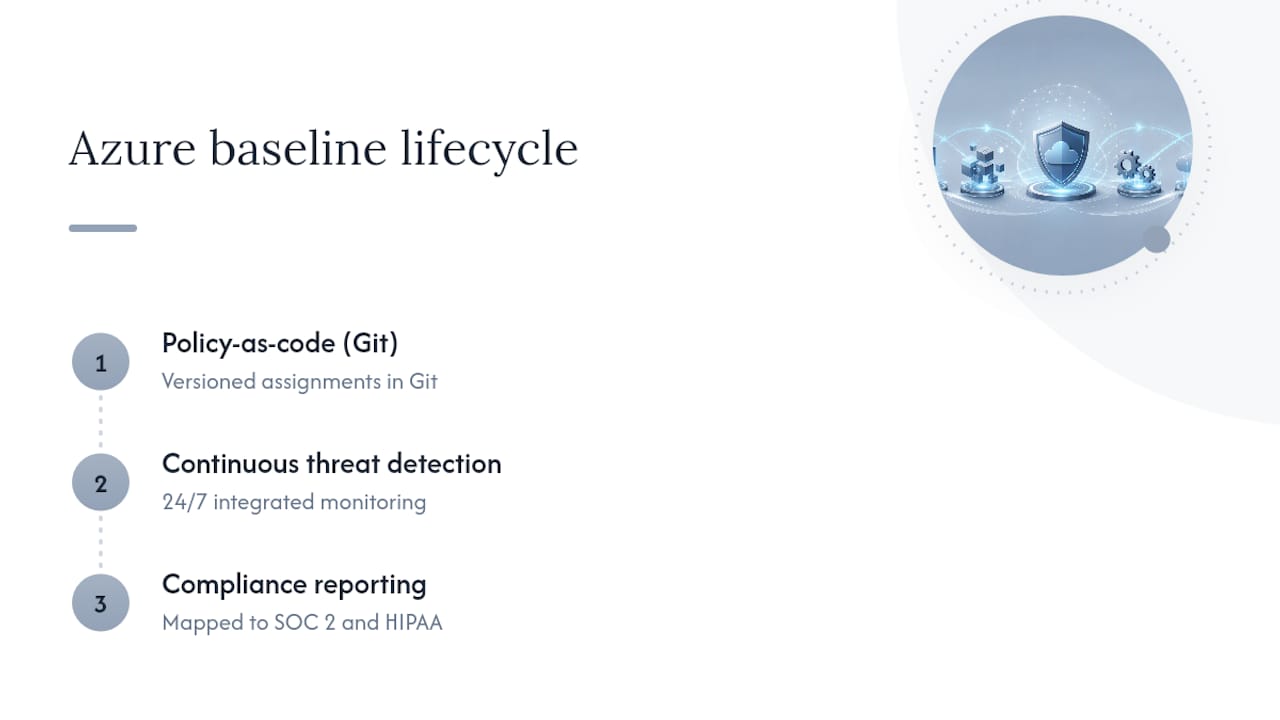
Baseline enforcement often follows this pattern: policy-as-code assignments version-controlled in Git, 24/7 monitoring through integrated threat detection, and compliance reporting mapped to frameworks like SOC 2 and HIPAA where relevant.
Internal teams that already have Azure architects and a mature DevOps pipeline can often run this themselves. Teams stretched across too many priorities, or without a dedicated cloud security engineer, tend to get more value from a managed provider that owns the ongoing lifecycle, not just the initial rollout, an approach explored further in our guide to managed detection services.
The one habit that separates a working baseline from a paper one
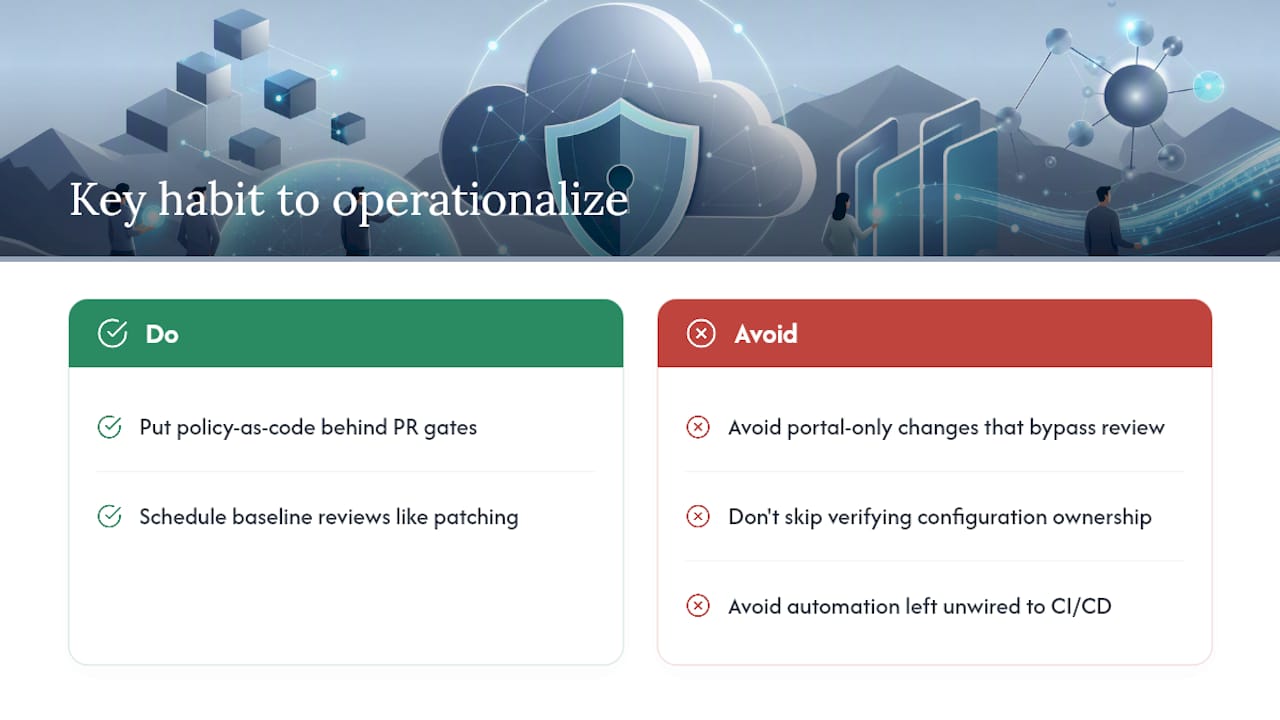
Most Azure baselines fail the same way: someone runs an assessment, fixes the flagged items, and treats the project as finished. A baseline is a lifecycle, not a checkbox, and it needs the same review cadence as patch management.
The pitfalls repeat across every environment I've seen described in practitioner guidance: portal-only changes that bypass review, teams that never check who owns configuration responsibility for a given control, and automation that exists on paper but was never wired into CI/CD. If you adopt one habit, make it this: put policy-as-code behind a pull request gate. Everything else follows from that discipline.
— Nick - Sr. Executive
Get help building and running your Azure security baseline
Reading the MCSB documentation and mapping controls is the easy part. Keeping a baseline enforced across a growing number of subscriptions, without drift, without a portal edit slipping through, without a compliance gap surfacing during an audit, is where most internal teams run out of bandwidth. Some providers consolidate that work under one accountable provider instead of leaving it split across separate security, cloud, and compliance vendors.

An engagement typically moves from an initial assessment against MCSB and your compliance targets, to a pilot on one management group or landing zone, to a managed service with 24/7 monitoring and defined response SLAs. That covers Cybersecurity, Cloud Solutions, and Compliance & Risk work under a single contract rather than three separate vendor relationships. If your baseline currently lives in scattered portal settings and nobody's tracking drift, visit the Nexus services page to scope an assessment and see where the gaps actually are.
Where to read the primary sources
For deeper technical reference, go directly to the documents this guide draws from:
- Microsoft Cloud Security Benchmark introduction for control-by-control mapping
- Azure landing zone reference architecture for management-group design
- Establish a security baseline (Well-Architected Framework) for lifecycle governance
- NIST SP 800-53 Revision 5 for the underlying control families
Sources
FAQ
What are Microsoft security baselines?
Microsoft security baselines are pre-configured sets of security settings, published for Azure services and Windows, that reflect Microsoft's recommended minimum configuration for a given product, aligned to the broader Microsoft Cloud Security Benchmark.
What is an example of a security baseline?
A concrete example is requiring MFA and Conditional Access for all privileged Azure AD accounts, encrypting storage accounts by default, and routing diagnostic logs into Log Analytics, all mapped to specific MCSB control IDs.
What are the seven layers of security referenced in Azure guidance?
Common Azure control domains include identity, network, data protection, logging and threat detection, posture and vulnerability management, privileged access, and DevOps security, each with its own baseline settings.
Is Microsoft Sentinel a SIEM tool?
Yes. Microsoft Sentinel is a cloud-native SIEM and security orchestration platform that ingests diagnostic logs and alerts from Azure resources, including those flagged by baseline policy evaluations in Defender for Cloud.
How much does AccountNext-Nexus charge to implement a security baseline?
Pricing depends on scope, so current rates for Cybersecurity and Compliance & Risk engagements are available directly on the AccountNext-Nexus services page.