
Choosing the right printer for your business comes down to three things: how much you print, what you print, and how much you want to spend over time. Laser printers deliver faster speeds and lower cost per page for text-heavy workloads, while inkjet models handle photo printing and colour graphics better at a lower entry price. For most Canadian businesses in 2026, the decision hinges on total cost of ownership rather than sticker price.
Here is what to weigh before you buy:
- Print volume: Low volume suits inkjet; medium to high volume favours laser.
- Colour needs: Monochrome laser for text documents; colour laser or inkjet for graphics and photos.
- Multifunction: Scanning, copying, and faxing in one unit saves desk space and budget.
- Connectivity: Wireless, wired, and networked options all exist; the HP Smart app ecosystem adds mobile and cloud printing.
- Maintenance: Laser toner lasts longer between replacements than inkjet cartridges.
Table of Contents
- How inkjet and laser printers differ in cost and performance
- How to choose a printer based on your workflow
- Features, performance metrics, and environmental impact
- Key takeaways
How inkjet and laser printers differ in cost and performance
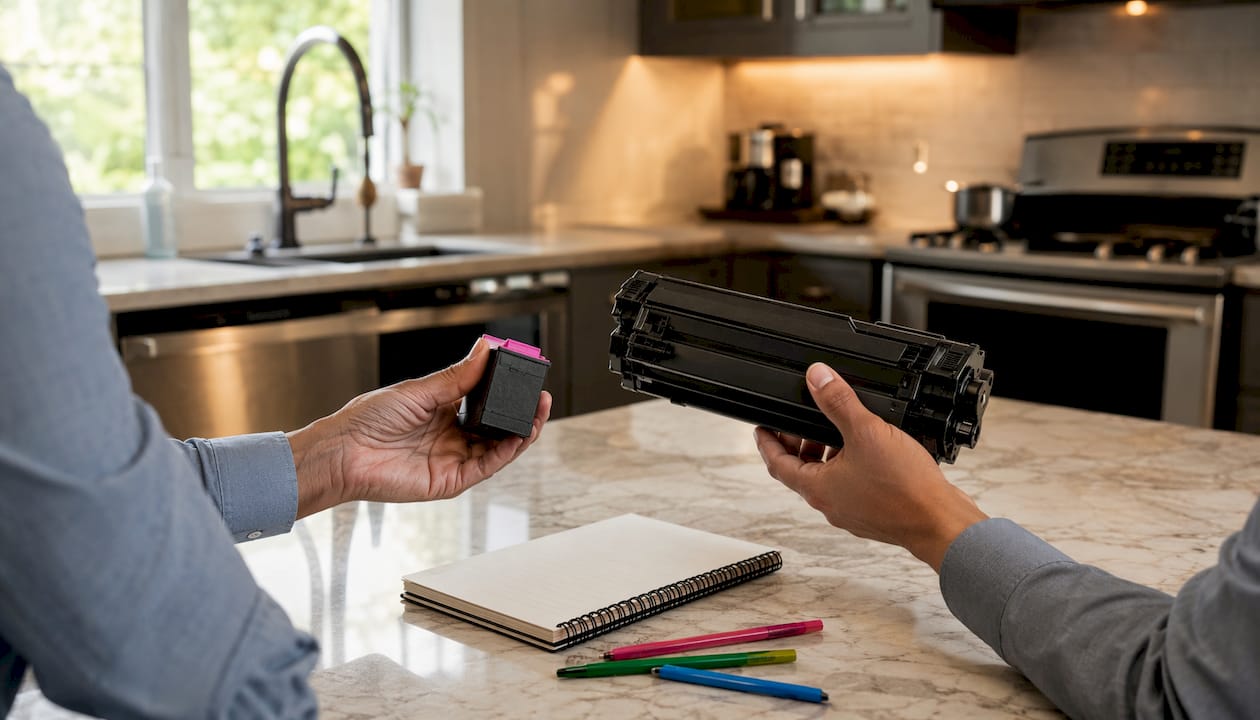
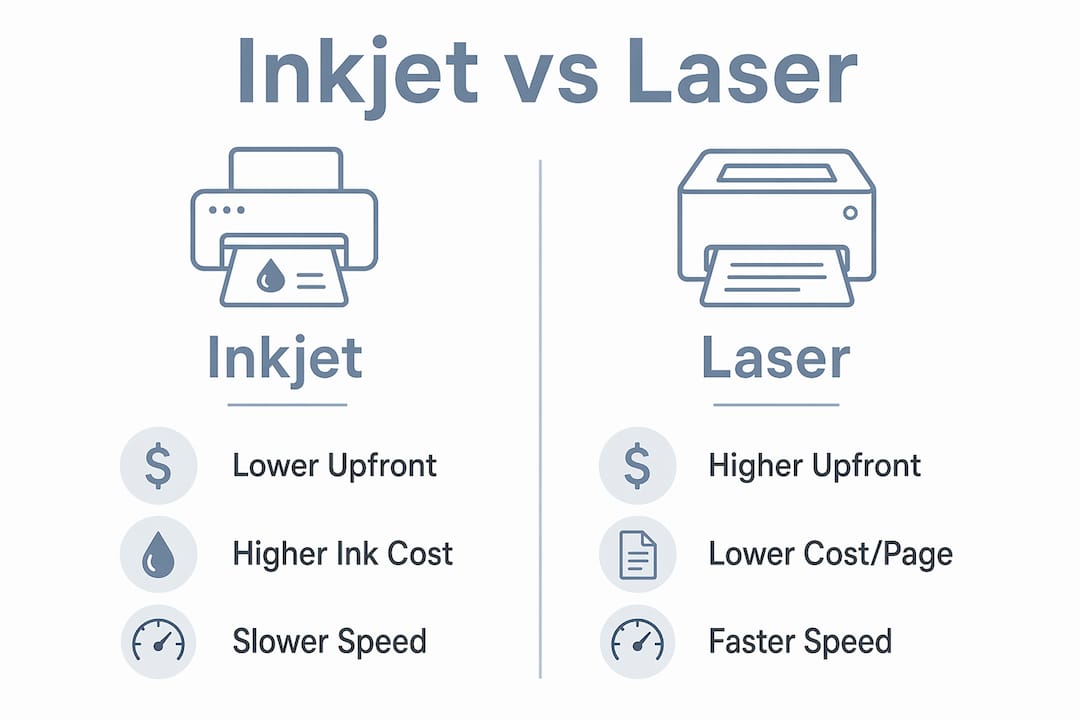
Inkjet printers cost less upfront but carry higher long-term ink expenses and slower print speeds. Laser printers demand a larger initial investment yet deliver professional, crisp text and lower cost per page at volume. For a business printing thousands of pages monthly, that gap compounds fast.
Cost per page beats cartridge price as the metric that actually matters. A laser printer's higher purchase price gets amortized across high print runs, making it more economical over time. Ink tank printers sit between the two: they refill from bottled ink rather than cartridges, which cuts waste and running costs, though the upfront price is higher than a standard inkjet.
| Factor | Inkjet | Laser |
|---|---|---|
| Cost efficiency | Low upfront, high long-term | High upfront, low long-term |
| Print speed | Slower | Faster (typical for many business laser printers) |
| Technology type | Liquid ink on paper | Toner fused with heat |
| Use case suitability | Photos, colour graphics | Text documents, bulk printing |
Pro Tip: Track your monthly page count for one month before buying. If you regularly exceed a few hundred pages, a laser printer pays for itself within a year.
How to choose a printer based on your workflow
Defining workflow needs upfront — volume, colour requirements, and multifunction features — cuts through the noise faster than comparing spec sheets.
- Assess your print volume. Low-volume offices (under 200 pages monthly) can work well with an inkjet all-in-one. Medium to high-volume environments need a laser, full stop.
- Decide on colour. Monochrome laser handles text documents cleanly and cheaply. Colour laser suits occasional business graphics. Inkjet remains the go-to for photo printing techniques and rich colour output.
- Consider multifunction needs. Scanning, copying, and faxing in one device reduces hardware clutter. An Automatic Document Feeder is critical for multi-page document handling — budget models often skip it, and that creates bottlenecks fast.
- Map your connectivity. Wired USB suits a single workstation. Wireless fits flexible office layouts. Networked printers serve shared teams. The HP Smart app ecosystem adds mobile printing, remote diagnostics, and supply ordering from any device.
- Factor in consumables. Brother printers accept third-party toner without restriction, which cuts running costs. HP+ activation locks devices to HP-brand supplies only and requires internet connectivity, raising long-term expenses.
For businesses managing high-volume document processing, pairing the right printer with a structured workflow reduces both cost and downtime.
Features, performance metrics, and environmental impact
Duplex printing, touchscreen interfaces, and ADF support are the features that separate a productive office printer from a frustrating one. Duplex cuts paper consumption in half on double-sided jobs. A touchscreen speeds up scanning and copying without touching a connected computer.
Print speed is measured in pages per minute (ppm). Business laser models typically run faster than inkjet printers. Resolution, measured in dots per inch (dpi), affects text sharpness and photo detail; 600 dpi handles documents cleanly, while photo printing benefits from 1200 dpi or higher.
- Energy efficiency: Look for ENERGY STAR certification, which signals lower power draw in standby and active modes.
- Toner waste: Laser toner cartridges produce less frequent waste than inkjet cartridges for equivalent page volumes.
- Firmware restrictions: HP firmware updates have blocked third-party cartridges on certain models; Brother allows compatible toner, dropping cost per page significantly.
- Total cost of ownership: Calculate cost per page multiplied by your monthly volume, then add the purchase price spread over the device's expected lifespan.
Pro Tip: Before committing to any printer, check whether its firmware can be updated remotely. Unmanaged firmware updates have locked businesses out of third-party supplies overnight.
Printers connected to your office network are also an IT security consideration. Networked devices can expose vulnerabilities if not properly managed. AccountNext-Nexus provides integrated IT and cybersecurity services that cover endpoint security, including networked printers, under one managed umbrella.

Key takeaways
Laser printers deliver lower long-term cost per page and faster speeds, making them the stronger choice for most Canadian businesses printing at medium to high volume.
| Point | Details |
|---|---|
| Cost per page over cartridge price | Laser printers amortize their higher upfront cost across volume, making them cheaper long term. |
| Inkjet suits colour and photos | For photo printing and colour graphics, inkjet or colour laser outperforms monochrome laser. |
| ADF is a productivity requirement | Printers without an Automatic Document Feeder create manual bottlenecks in multi-page workflows. |
| Firmware affects running costs | Brother accepts third-party toner; HP+ locks to brand-only supplies, raising ongoing expenses. |
| Networked printers need IT oversight | Printers on your office network are endpoints that require the same security attention as computers. |