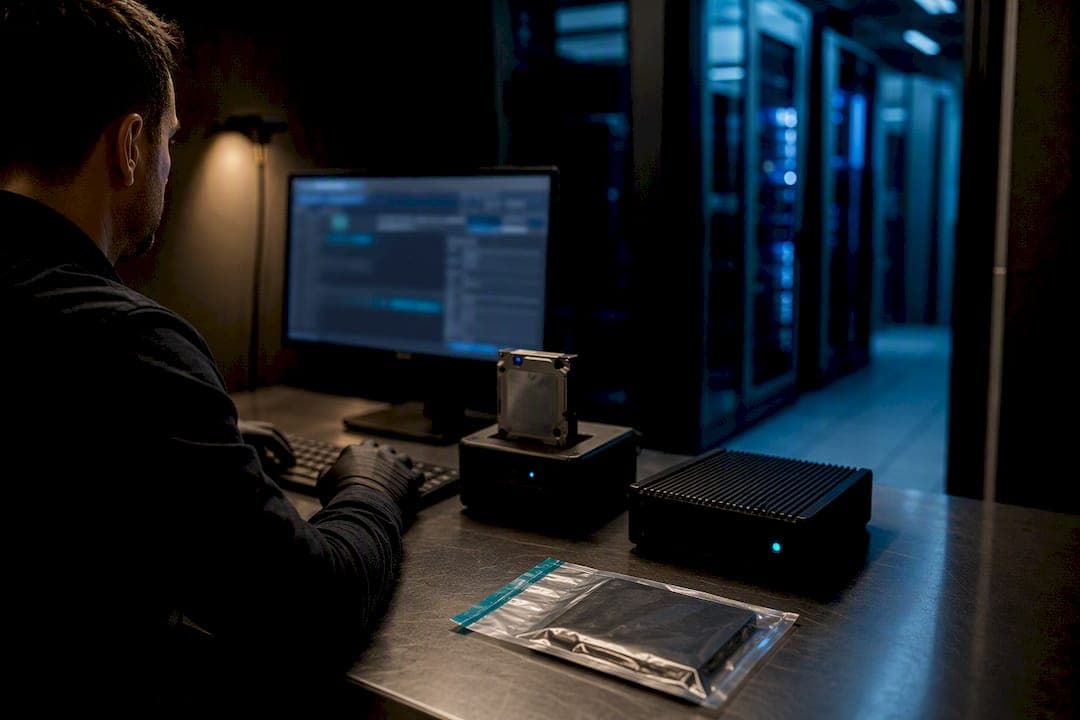
Isolate every affected device from the network immediately without powering them off, to preserve memory and logs for forensic analysis. Activate your incident commander and follow your incident response plan (IRP) to notify leadership, legal, and your insurer. Do not assume paying the ransom restores operations. Engage forensics and report the incident to federal authorities within hours, not days.
TL;DR:
- Immediate device isolation without powering off preserves volatile memory and logs critical for forensic analysis and root cause identification.
- Proper evidence collection and a strict chain of custody are essential, with only one designated person managing forensic evidence from the start.
- Notification should follow a specific order: incident command, leadership, insurer, law enforcement, and regulators, using secure, out-of-band channels.
- Containment must prevent lateral movement while maintaining affected systems for memory capture, with thorough hunting for attacker persistence before eradication.
- Restoring from backups requires validation of immutability, imaging, and key controls to prevent reinfection, avoiding restoration until the attacker’s footholds are fully removed.
Table of Contents
- What is ransomware incident response and how do you confirm an attack?
- Who needs to know, and in what order?
- How do you contain the attack without destroying evidence?
- How do you recover without getting reinfected?
- What belongs in your incident response plan and tabletop exercises?
- What does a field-tested hour-zero timeline actually look like?
- How does ransomware affect your team, and how do you manage that?
- Why rehearsed decisions beat perfect plans
- Get incident response readiness in place before you need it
- Sources
- FAQ
What is ransomware incident response and how do you confirm an attack?
Ransomware incident response is the structured process of detecting, containing, eradicating, and recovering from a ransomware event while preserving the evidence investigators and insurers will need. Before you can respond, you have to confirm what you're dealing with. Ransom notes dropped in every directory, file extensions suddenly changed to something unfamiliar, and unexplained use of tools like vssadmin, wmic, or fsutil to delete shadow copies are the classic tells. If backup jobs start failing simultaneously across multiple servers, that's often the first sign someone deleted your recovery path on purpose.
Once you've confirmed its ransomware, the next job is mapping the blast radius. Pull telemetry from your EDR platform, SIEM, and cloud audit logs to trace patient zero and every subnet the malware touched. Endpoint detection and response tooling is what makes this fast instead of guesswork.
Before you contain anything, capture forensic evidence. Skipping this step is the single most common regret incident commanders report afterward, because you cannot go back and recreate volatile memory once a machine reboots.
Immediate captures should include:
- A memory image of at least one infected, still-running machine
- A disk image of a representative sample of affected endpoints and servers
- Log snapshots from firewalls, EDR, Active Directory, and VPN concentrators
- A photograph of the ransom note (screen and file) before anyone touches the machine
- A list of encrypted file extensions and any exfiltration indicators (unusual outbound transfer volumes, connections to unfamiliar cloud storage)
CISA's #StopRansomware guide frames this as a checklist that moves methodically through detection, containment, and recovery, and it's worth following that order rather than improvising under pressure.
Pro Tip: Assign one person, and only one person, to own the evidence chain of custody from minute one. Multiple people touching the same compromised machine "just to check something" is how organizations end up with unusable forensic timelines later.
Who needs to know, and in what order?
Notification isn't a single phone call. It's a sequence, and getting the order wrong can create legal exposure or blow up your forensic investigation. Work through this roughly in this order:
- Incident commander and internal roster. Loop in the C-suite, legal counsel, communications, IT operations, and any pre-approved vendor contacts within the first hour.
- Cyber insurer. Most policies have strict reporting windows, and using a non-approved forensics vendor before notifying your insurer can jeopardize coverage. Review your cyber insurance reporting requirements before an incident, not during one.
- Law enforcement. CISA recommends reporting to CISA, the FBI, or the U.S. Secret Service as soon as ransomware is confirmed. Sector-specific ISACs should also get an early heads up if you belong to one.
- Regulators, if applicable. Data theft, not just encryption, now triggers many breach notification laws. If the attacker exfiltrated data, your legal team needs to assess disclosure timelines immediately.
Keep every notification on an out-of-band channel. Email and chat systems may be compromised or monitored by the attacker. Draft a holding statement for employees and customers early, even if it's not released yet, so legal and PR aren't scrambling to write one during the worst hour of the response.
How do you contain the attack without destroying evidence?
Containment has one job: stop lateral movement without erasing the evidence you need for root-cause analysis. Isolation can happen at several levels, and the right choice depends on scale. Disconnecting a switch port is surgical and fast for a handful of machines. A temporary network-wide shutoff is blunt but sometimes necessary when the attacker is actively spreading faster than you can isolate segments individually. Quarantine VLANs sit in between, letting you keep systems powered and observable while cutting off their ability to reach the rest of the network.
The power-down decision matters more than most teams realize. Powering off a machine kills any chance of capturing volatile memory, which often holds the encryption keys, active malware processes, or command-and-control connections investigators need. Keep at least a few representative infected machines running and isolated for RAM capture before anyone reaches for the power button.
While containment holds the perimeter, start hunting for how deep the attacker actually got. CISA's #StopRansomware guide checklist points to precursor malware families like Bumblebee, Dridex, Emotet, and QakBot as common footholds that arrive well before the ransomware payload itself. Your hunting checklist should include:
- Active Directory account anomalies, especially new admin accounts or privilege escalations
- Unusual VPN or RDP login activity outside normal hours or from unfamiliar geographies
- Indicators consistent with Cobalt Strike or other post-exploitation frameworks
- Suspicious scheduled tasks or services created around the time of the initial breach
Eradication follows hunting, and it has to be thorough. Remove every persistence mechanism you find, rotate all privileged credentials (not just the ones you suspect were compromised), and tighten identity and SSO controls before you even think about restoring anything. Protecting the systems that hold your compliance-sensitive data during this phase matters just as much as the servers themselves, and resources like AML Guard's approach to securing compliance data illustrate why containment scope should extend beyond obvious production systems.
Pro Tip: Rotate service account passwords too, not just human admin accounts. Attackers who've been inside for weeks often plant credentials on service accounts precisely because nobody thinks to check them during a rushed password reset.
How do you recover without getting reinfected?
Recovery fails more often from rushing than from bad luck. Restoring from backups before you've fully eradicated the attacker's persistence mechanisms is one of the most common causes of reinfection, according to incident response practitioners, and it turns a bad week into a bad month.
Before touching a single restore button, work through this sequence:
- Validate backup immutability. Confirm your restore points weren't touched by the attacker and that immutable or air-gapped copies exist. The 3-2-1 backup rule (three copies, two media types, one offsite and offline) is what makes this validation possible in the first place.
- Rebuild identity and network controls first. Active Directory, DNS, and network access controls come before anything else. Restoring applications onto a compromised identity layer just hands the attacker a fresh set of keys.
- Restore core applications, then endpoints. Bring back business-critical systems in priority order based on your business impact analysis, not whatever server happens to be easiest to reach.
- Scan every restored dataset before reconnecting it. Run malware and integrity scans on restored data prior to bringing it back online, and keep continuous monitoring active for weeks afterward, not just days.
IBM's guidance on ransomware recovery specifically calls out disabling automatic maintenance tasks and disconnecting backups during the active incident, precisely so an attacker still inside the network can't reach your last clean copies.
Rebuilding identity systems before applications isn't optional caution. It's the difference between a real recovery and handing the attacker a second invitation.
Once systems are back online, the work isn't finished. Run a root-cause analysis, document lessons learned, complete any outstanding regulatory notifications, and share indicators of compromise with your sector ISAC or CISA so other organizations can benefit from what you just learned the hard way.
What belongs in your incident response plan and tabletop exercises?
A ransomware recovery plan that only exists as a PDF nobody has read is not a plan. It's a liability with a cover page. Your IRP needs a few non-negotiable elements: named decision authorities (who actually decides whether to pay a ransom, who can authorize a full network shutdown, who signs off on public statements), a communications template for internal and external audiences, and an offline copy stored somewhere that doesn't depend on the network you're trying to recover. CEO-level written sign-off on the plan matters too, because ransomware decisions made at 2 a.m. need pre-approved authority, not a debate.
Define your decision points in advance, not during the incident:
- Who has authority to approve or reject a ransom payment, and under what circumstances
- The threshold for engaging outside legal counsel and law enforcement
- Who triggers a full rebuild versus a targeted restoration
- Pre-authorized forensic and legal vendors, negotiated and contracted before you need them
Tabletop exercises are what turn this from theory into muscle memory. Run them at least twice a year, using realistic scenarios that force participants to make the same tough calls they'd face in a real incident, not softball scenarios everyone already knows how to answer. Include IT, legal, communications, and an executive sponsor every time. A well-designed ransomware tabletop exercise measures decision speed and communication clarity, not just whether people showed up.
What does a field-tested hour-zero timeline actually look like?
Effective incident response engagements follow a tight timing structure because the first 24 hours determine whether recovery takes days or weeks. In the first hour, isolate affected systems, activate the incident commander, and start evidence capture. Between hour one and hour six, notify legal, insurance, and law enforcement, and begin scoping the blast radius with EDR and log data. From hour six to twenty-four, containment and initial eradication should be underway, with backup validation running in parallel.
Before any restoration begins, Nexus validates backup integrity against a standing checklist:
- Confirm immutability flags and offline isolation on every proposed restore point
- Test-restore a sample dataset in an isolated environment before full production restoration
- Cross-check restore point timestamps against the earliest known indicators of compromise
Certain clients get pre-negotiated escalation triggers built into their contracts, so the moment ransomware is confirmed, the response team is already engaged rather than being sourced under pressure.
Pro Tip: Ask any incident response provider exactly which backup validation checks they run before restoration, and how many hours their retainer guarantees for initial response. Vague answers here are a warning sign.
How does ransomware affect your team, and how do you manage that?
The technical playbook gets most of the attention, but the psychological toll on staff during a ransomware incident is real and it affects response quality. IT and security teams working 18-hour shifts under intense pressure make more mistakes, not fewer, and burnout during the acute phase often shows up as costly errors during containment or recovery.
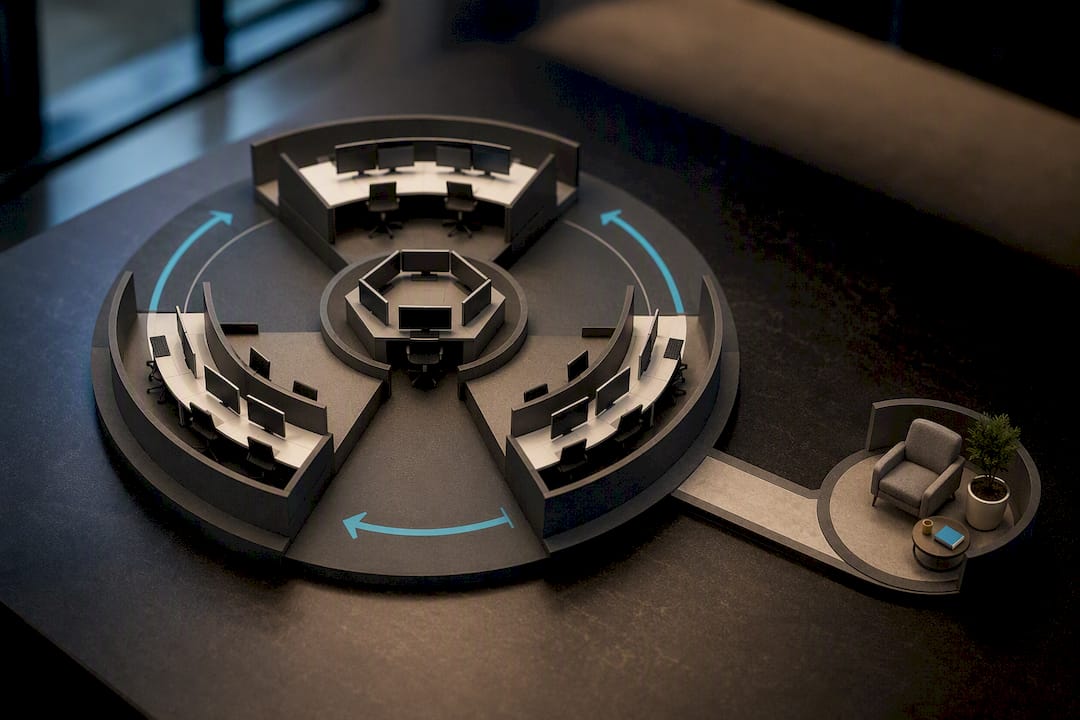
Leadership needs to actively manage this, not just hope it resolves itself. Rotate incident response staff in shifts rather than letting the same people work around the clock for days. Assign someone outside the technical response, ideally HR or an executive sponsor, to check in on the team's wellbeing separately from status updates on the incident itself.
Communication with the broader workforce matters too. Employees who hear nothing tend to assume the worst, and rumours spread faster than facts during a crisis. A brief, honest internal update, even one that says "we're still investigating and will update you," reduces anxiety more than silence does. After the incident closes, build in time for a proper debrief that addresses the human experience of the event, not just the technical timeline. Teams that go through a serious incident without acknowledgment of the stress involved often see elevated turnover in security roles over the following year.
Why rehearsed decisions beat perfect plans
The organizations that recover fastest aren't the ones with the thickest IRP binder. They're the ones where someone has already rehearsed saying "yes, isolate the whole segment" under pressure. That's the real value of tabletop exercises: they compress decision time when it matters most, which shortens both mean time to detect and mean time to respond.
A single accountable provider for detection, backup validation, and retainer response removes the coordination tax that slows down incidents involving three or four vendors pointing at each other. Track readiness with a small set of KPIs: tabletop cadence, backup verification coverage, and mean time to isolate. Those three numbers tell you more about your actual resilience than any compliance checkbox does.
— Nick - Sr. Executive
Get incident response readiness in place before you need it
Nexus's incident response retainer means your organization isn't sourcing a forensics team and negotiating contracts while ransomware is actively spreading through your network. The retainer locks in response terms and priority access ahead of time, which is the single biggest factor in how fast containment actually happens once an incident starts.

Some providers offer services that map onto the playbook above: managed detection and response for the hunting and containment phases, backup validation and disaster recovery planning for the recovery phase, and tabletop facilitation to keep your decision authorities sharp between incidents. When these services come from a single provider, detection teams, backup validation, and incident responders can be coordinated before incidents occur, rather than being introduced mid-crisis.
If you want a readiness review or a retainer quote, have your current backup schedule, EDR coverage, and last tabletop date on hand. Visit the Nexus services page to start that conversation.
Sources
FAQ
What Is the First Step in Ransomware Incident Response?
Isolate the affected devices from the network immediately without powering them off, so memory and volatile evidence survive for forensic analysis. Activate your incident commander and follow the CISA #StopRansomware guide checklist from there.
Should You Pay the Ransom?
Paying does not guarantee data return or that stolen data won't be leaked anyway, and it can carry legal risk depending on who the attacker turns out to be. That decision should sit with a pre-designated authority in your incident response plan, made with legal counsel involved, not improvised during the incident.
Who Do You Report a Ransomware Attack To?
CISA recommends reporting to CISA, the FBI, or the U.S. Secret Service as soon as an attack is confirmed, using the reporting guidance in the #StopRansomware program. Your cyber insurer and legal counsel should be notified in parallel, not after.
How Long Does Ransomware Recovery Typically Take?
Recovery time depends heavily on backup readiness and how much of the network the attacker reached before detection. Organizations with validated, immutable backups and a rehearsed rebuild sequence recover meaningfully faster than those improvising restoration for the first time during the incident itself.
Does Nexus Offer Ransomware Incident Response Services?
Yes, Nexus provides incident response retainers, managed detection and response, backup validation, and tabletop exercise facilitation as part of its cybersecurity services. Current pricing details are available on the Nexus services page.